
- Go to the Applications menu in the sidebar.
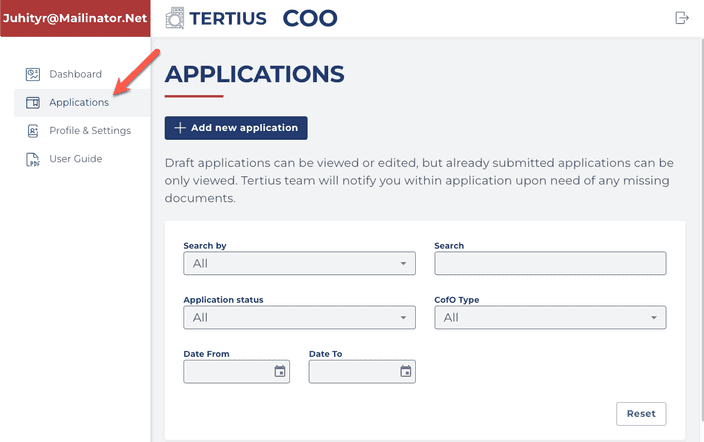
On this dashboard, you can manage your in progress applications (Drafts) or you can create a new application.
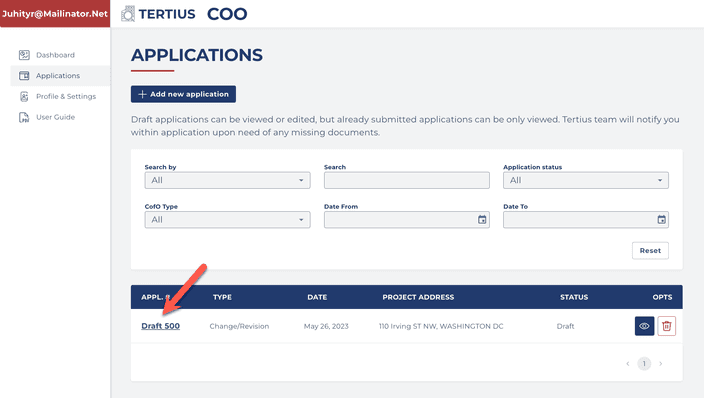
Continue your in progress application by clicking on its name:
You can save your progress during the application process and you can get back and continue your application anytime.
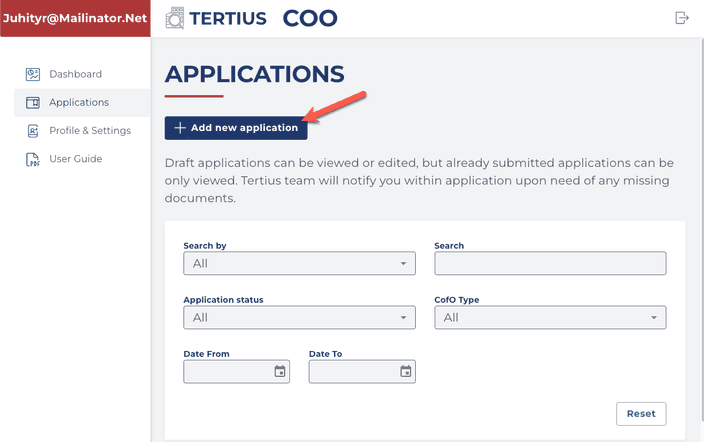
- Click +Add new application and the application form opens.
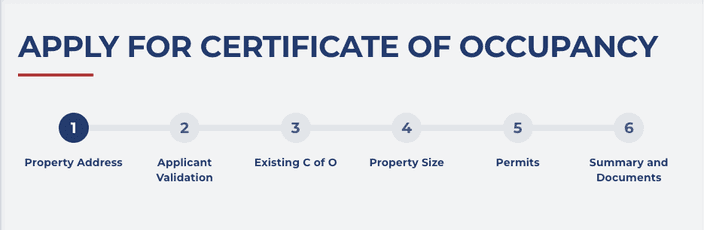
Applying for a Certificate of Occupancy includes 6 steps:
You can save your progress during the application process and you can go back and continue your application anytime.
Get help and select the type of Certificate of Occupancy application you need and the tutorial will walk you through the application process step by step.
- Applying for a Certificate of Occupancy for a
You can apply as:
-
Property Owner
-
Business Owner/Tenant
-
Authorized Agent of the Owner
-
Authorized Agent of Business Owner/Tenant
-
Changing or revisioning an existing Certificate of Occupancy